

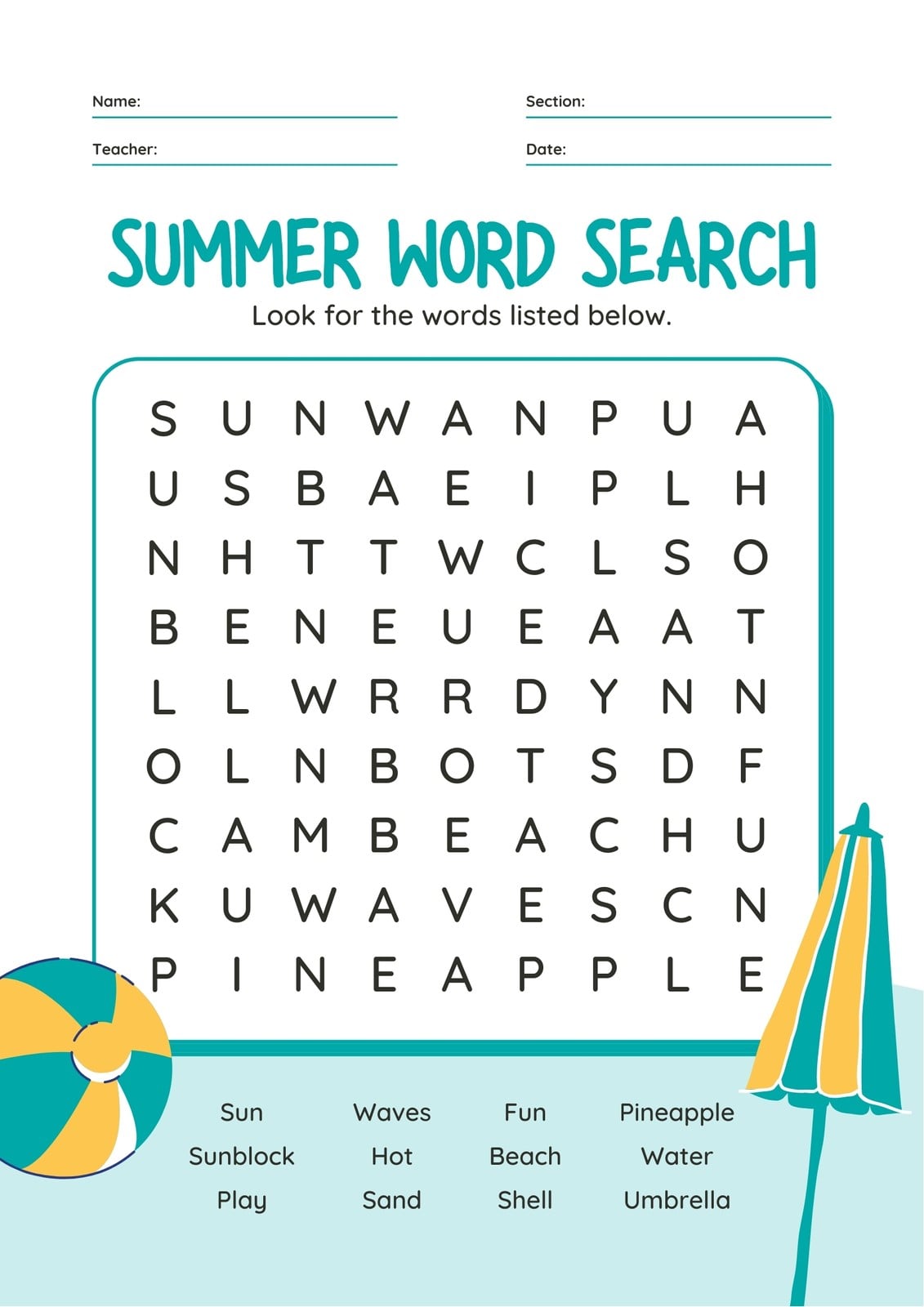
Free Word Find Maker: Create Your Own Word Search Puzzles
A free word find maker makes it easy to create word search puzzles for classrooms, parties, newsletters and quiet moments at home. Instead of starting with a blank grid and placing every letter by hand, you can enter a list of words and let a puzzle maker arrange them into a ready-to-use activity.
What Is a Word Find Maker?
A word find maker is a tool for building word search puzzles. You choose the words you want to include, and the tool places them in a letter grid. Depending on the options available, words may run across, down or diagonally, and can sometimes appear forwards or backwards. Random letters fill the remaining spaces.
Many makers also provide a separate answer key, which shows where each word is hidden. This can save time when preparing worksheets or activities for a group.
Why Use a Free Word Find Maker?
- Save preparation time: Generate a puzzle without designing the grid by hand.
- Choose a theme: Build word lists around topics such as animals, food, geography, sport or seasonal events.
- Adjust the challenge: Use shorter or longer words and, where the tool allows, change the grid size or directions.
- Create tailored activities: Match the vocabulary to a lesson, age group, celebration or personal interest.
- Print or share: Use the finished puzzle as a worksheet, handout or digital activity, depending on the maker’s options.
How to Make a Word Find Puzzle
- Pick a topic. A clear theme helps your puzzle feel cohesive and makes it easier to choose suitable words.
- Prepare your word list. Include words that fit the intended audience. Check spelling and remove duplicates.
- Enter the words. Add them to the maker, usually one per line or separated by commas.
- Choose the settings. If available, select the grid size, difficulty and directions in which words can appear.
- Generate and review the puzzle. Check that the words fit, the instructions are clear and the layout is easy to read.
- Save or print it. Keep a copy of the answer key if you will be checking completed puzzles.
Tips for a Better Puzzle
For younger players, start with a smaller grid and a short list of familiar words. Keeping words horizontal and vertical can make the activity more approachable. For older children and adults, add longer vocabulary, diagonal placements or backwards words if those options are available.
Think about the final page as well as the puzzle itself. Use a readable font, leave enough space between the grid and the word list, and include simple instructions. If the puzzle is for a lesson, you could add a brief follow-up task, such as writing a sentence with each word or grouping the words by meaning.
Who Can Use a Word Find Maker?
Teachers can use custom word searches to reinforce spelling, vocabulary and topic-specific terms. Parents can make screen-free activities for trips or rainy days, while event organisers can create themed puzzles for parties and community gatherings. Businesses and publishers may also use them in activity sheets, magazines or newsletters.
Choose a Maker That Suits Your Needs
Before choosing a free word find maker, consider how you plan to use the puzzle. Useful features may include adjustable grid sizes, different word directions, printable layouts and an answer key. If you are preparing materials for a class or group, check that the finished design is clear on screen and on paper.
With a thoughtful word list and a few simple settings, a free word find maker can turn almost any subject into an engaging puzzle. It is a practical way to create activities that encourage concentration, spelling practice and a little friendly challenge.